Snapchat Top Friends, Emojis, Rankings, and Privacy in 2026
Snapchat’s Best Friends feature used to cause actual social drama. In the app’s early years, your top three friends were displayed publicly right next to your name — meaning anyone could see exactly who you were snapping the most, and just as easily notice when they got quietly dropped from the list. Enough backlash over that public visibility led Snapchat to redesign the feature entirely, and the version running today looks nothing like it.
Here’s how the current Best Friends (or “Top Friends”) system actually works, what each emoji means, and — importantly — who can actually see your list in 2026.
What the Best Friends List Shows Today
Your Best Friends list highlights up to eight people you interact with most, ranked based on how frequently you exchange snaps and chats. It sits at the top of your friends list and updates automatically based on recent activity — typically weighted toward the last few weeks, with more recent interactions counting more heavily than older ones.
Critically, this list is private by default — only you can see your own Best Friends ranking. This is the core change from Snapchat’s earlier public version, and it’s the single most important thing to understand if you’re used to how the feature worked years ago.
What Each Emoji Actually Means
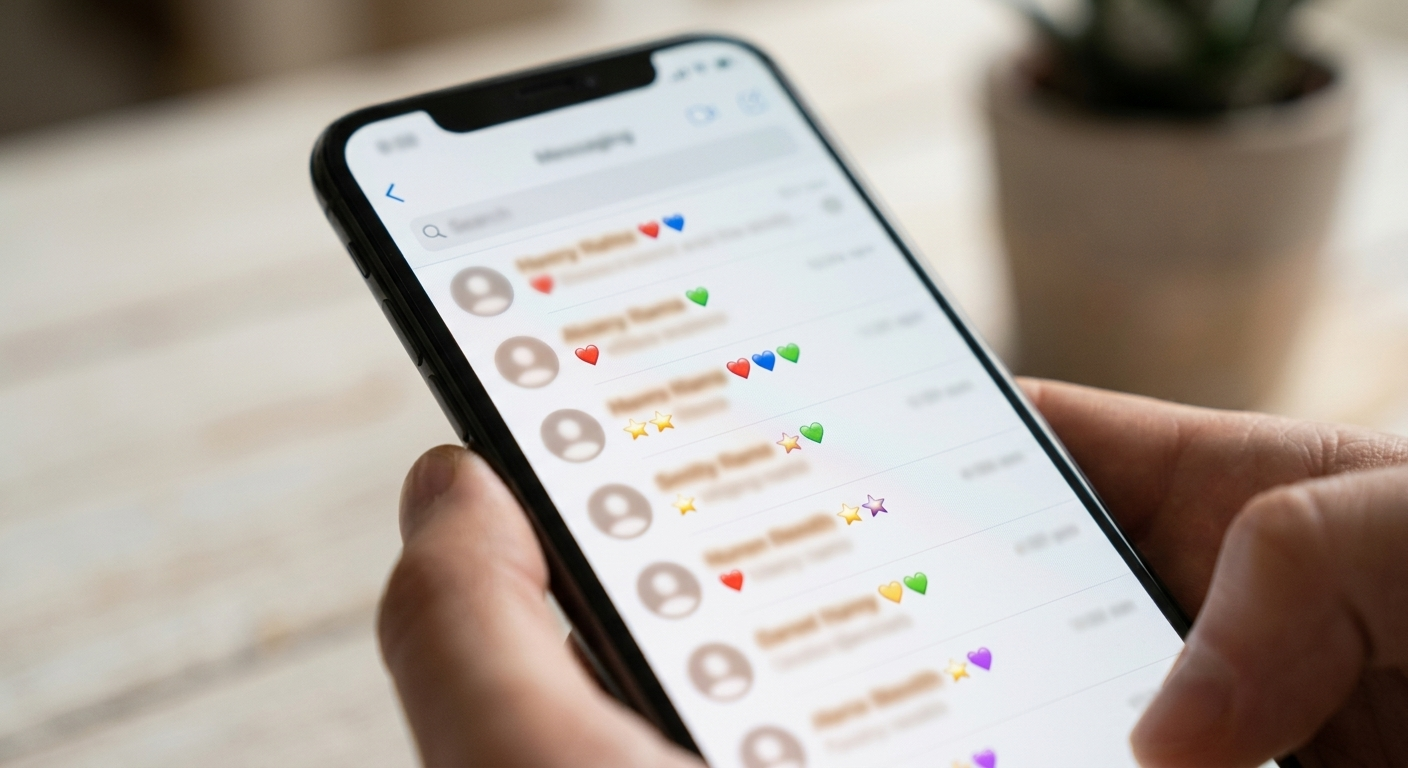
Snapchat assigns small emoji next to friends’ names to indicate relationship status and activity. Common current meanings include:
| Emoji | Meaning |
|---|---|
| 💛 Yellow Heart | You and this person are currently each other’s #1 Best Friend |
| 😊 Smiling Face | This person is one of your good friends, but not your #1 |
| 💕 Pink Hearts | You’ve been #1 Best Friends with this person for two months straight |
| 💞 Two Pink Hearts | You’ve been #1 Best Friends for two months or longer, at an even stronger level |
| 😬 Grimacing Face | You share a #1 Best Friend with this person — meaning your best friend is also their best friend |
| 😎 Sunglasses | You have a mutual friend in common with this person |
| 🔥 Fire | You’re on an active Snapstreak with this person |
| 💯 Hundred | You’ve maintained a Snapstreak for 100 days |
| ⌛ Hourglass | Your Snapstreak is about to expire — send a snap soon to keep it alive |
| 🎂 Birthday Cake | It’s this friend’s birthday, based on the date in their profile |
Exact emoji sets can shift slightly with app updates, so if something looks different on your account, checking Snapchat’s own support documentation is the most reliable way to confirm current meanings.
How the Ranking Is Actually Calculated
Snapchat doesn’t publish its exact ranking formula, but based on consistent, observable behavior, the main factors include:
- Frequency of snaps and chats exchanged with each friend
- Recency — more recent activity is weighted more heavily than older interactions
- Snapstreak activity, which tends to reinforce a high position for that friend
- Consistency over time — a steady pattern of interaction tends to matter more than a single burst of activity
If you stop interacting with someone who was previously high on your list, they’ll gradually drop and can eventually disappear from your top eight entirely.
How to View Your Best Friends List
There are two main ways to check it:
- The “Send To” screen — take or select a photo, tap the send arrow, and your top friends appear automatically at the top of the list.
- Your profile — tap your Bitmoji or profile icon, then “My Friends,” where your top eight are separated from your full friends list.
Snap Planets: The Paid Version of This Feature
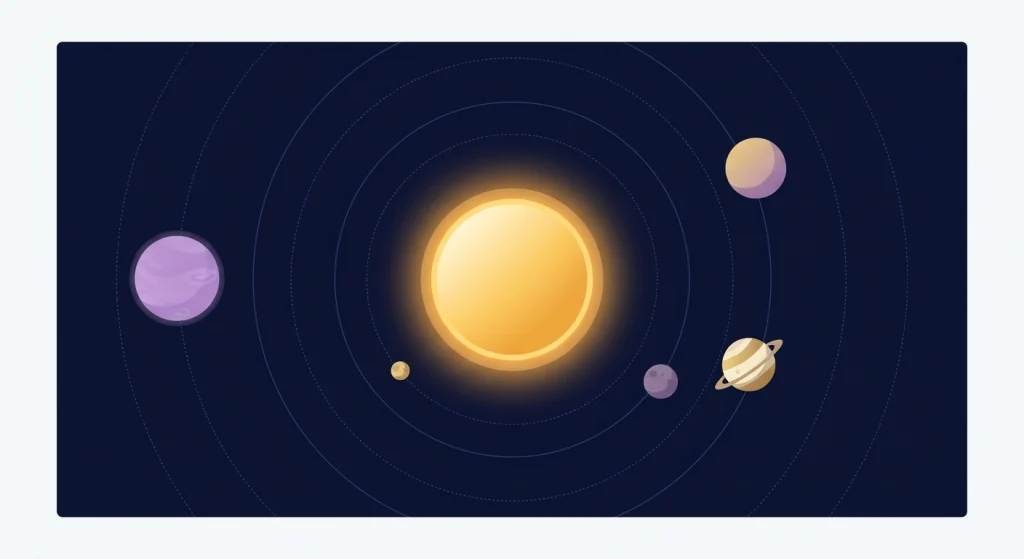
Snapchat+ subscribers get access to “Snap Planets,” a more visual version of the Best Friends concept that assigns each close friend a planet in a small solar system, along with additional detail about your interaction history that free accounts don’t have access to. It’s a cosmetic and slightly more detailed layer on top of the same underlying ranking system — not a separate feature with its own independent logic.
Can You Remove Someone From Your Best Friends List?
Not directly — there’s no button to manually delete someone from the ranking while staying friends with them. Since the list is generated automatically from your activity, the only ways to change it are:
- Reduce how often you snap or chat with that person, which will gradually lower their position over time
- Remove or block the friend entirely, which removes them from every list, not just Best Friends
There’s no in-between option that keeps someone as a friend while explicitly excluding them from ranking calculations.
Privacy: Can Anyone Else See Your List?
No — your Best Friends list itself is private and visible only to you. What other users can sometimes infer are the mutual relationship indicators — for example, the sunglasses emoji signaling you share a mutual friend, or the grimacing-face emoji indicating you share a #1 best friend with someone. These give limited, indirect hints about overlapping social circles, but they don’t reveal your actual ranked list or reveal it to anyone browsing your profile. For the most current, official details on any of these indicators, Snapchat’s own <a href=”https://support.snapchat.com/en-US” target=”_blank” rel=”noopener”>Support Center</a> is the most reliable source, since third-party guides can lag behind app updates.
Frequently Asked Questions
Can other people see my Snapchat Best Friends list?
No — your ranked Best Friends list is private and visible only to you. Other users can only see limited mutual-relationship indicators, like a shared best friend, not your actual list.
How many people can be on your Best Friends list?
Up to eight friends can appear on the standard Best Friends list, ranked by interaction frequency and recency.
Why did someone disappear from my Best Friends list?
If you stop interacting with that person as frequently, they’ll gradually drop in the ranking and can eventually fall off the list entirely as more active friends take their place.
Is Snap Planets different from the regular Best Friends list?
Not fundamentally — it’s a Snapchat+ subscriber feature that visualizes the same underlying friend ranking using a solar system format, with some additional detail not available to free users.
Bottom Line
Snapchat’s Best Friends feature has moved a long way from its public, drama-prone early version — the current system is private, automatically calculated from your activity, and visible only to you. If you’re trying to manage your own list, the only real lever is how often you interact with each friend, since there’s no manual way to reorder or hide someone while staying connected.