9.7.4 Leash CodeHS Answers: 7 Easy Steps to Understand and Solve It
9.7.4 leash codehs answers are all over search results, but most of those pages skip the one part that makes the exercise work: understanding what the mouse handler is supposed to update. This guide explains what the Leash exercise is, what the documented CodeHS tools do, why copy-paste solutions are a poor bet, and how to build the program yourself in seven steps.
A note on method: for this guide to 9.7.4 leash codehs answers, I opened the CodeHS lesson page and the official CodeHS JavaScript graphics documentation, and read two pages that publish solutions. The lesson page I could reach showed only the exercise title, not its instructions, so I could not read the exact task. I also could not run the CodeHS autograder. Where I describe the task, I say whose description it is.
The Short Answer
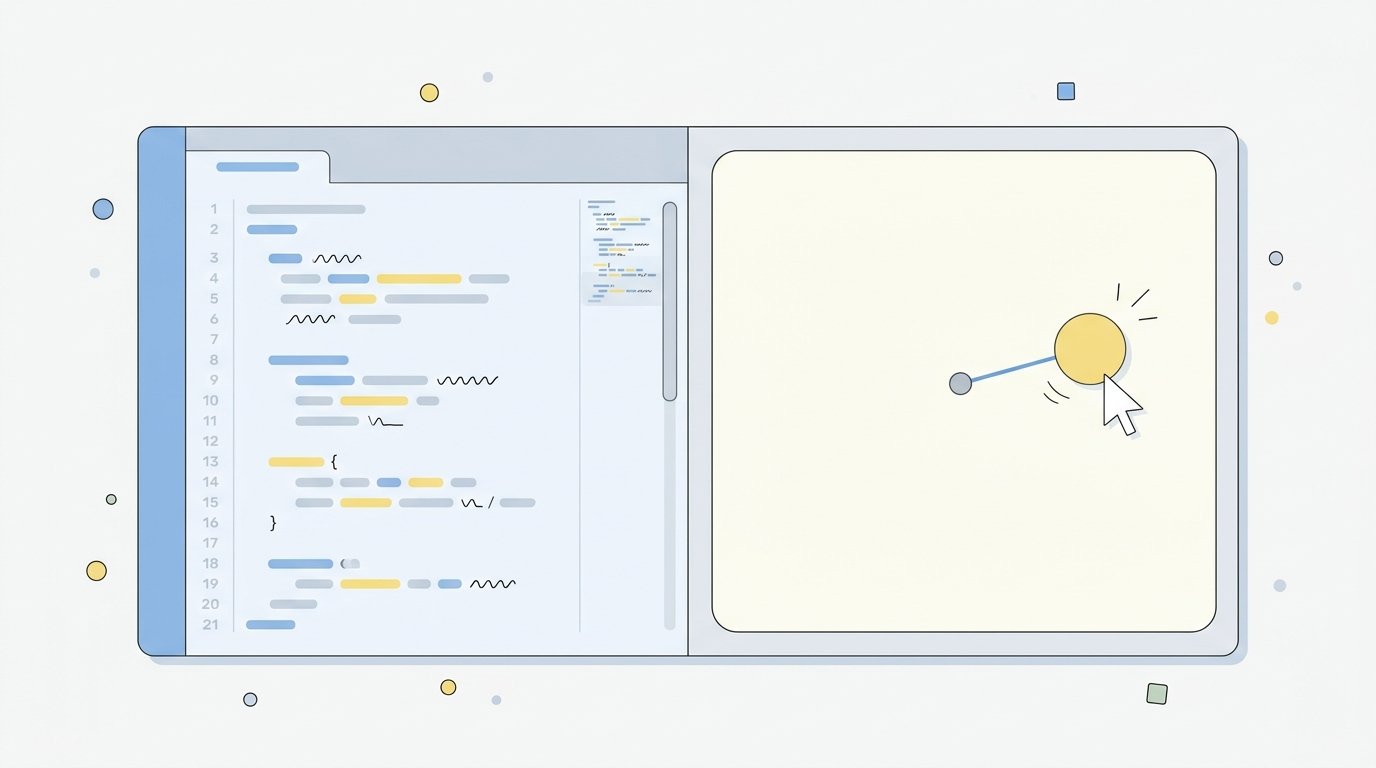
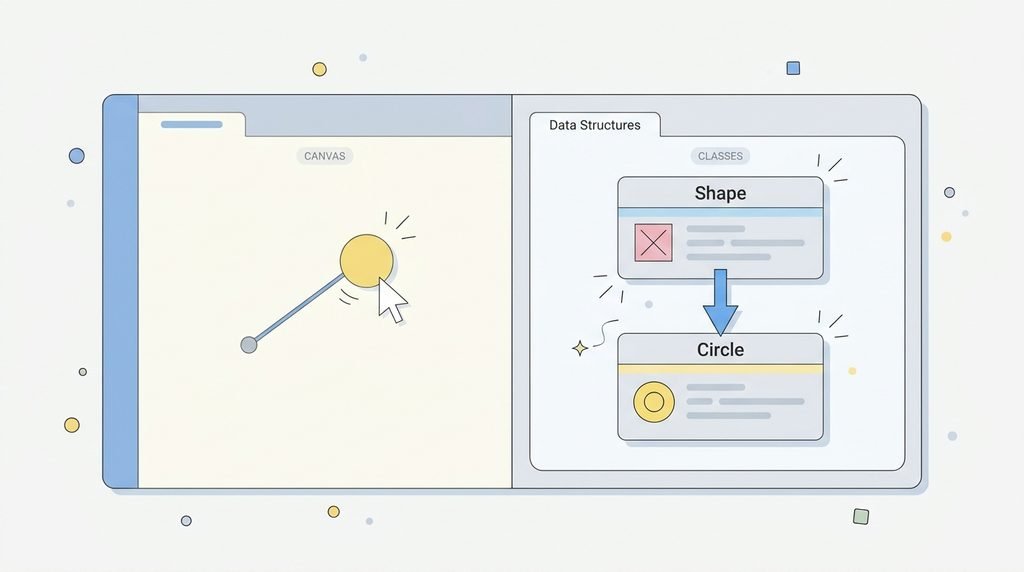
Before you search for 9.7.4 leash codehs answers, know this: 9.7.4 Leash is an exercise in the CodeHS “Introduction to Computer Science in JavaScript” course. It sits in lesson 9.7, “Drawing Lines,” inside module 9, “Animation and Games.” The idea, as one guide to 9.7.4 leash codehs answers describes it, is a ball that follows the mouse with a line stretching back to a fixed point. You solve it by creating your shapes once, registering a mouse-move function, and updating the shapes inside that function. The official documentation has every method you need.
What Is the 9.7.4 Leash CodeHS Exercise?
The CodeHS lesson page confirms the course (Introduction to Computer Science in JavaScript), the lesson (9.7 Drawing Lines) and the module (Animation and Games). Its description and objective fields are empty in the version I opened, so the exact instructions aren’t visible there.
Two third-party pages describe the task differently:
| Source | How it describes 9.7.4 Leash |
|---|---|
| One guide | A yellow ball at the canvas center, a line from the center to the ball, and both update as the mouse moves |
| Another guide | Either a mouse-following version or a class-based version with Dog and Leash objects |
That conflict matters. CodeHS has several courses and versions, and the same number can mean a different task. Always follow the instructions shown in your own exercise, not a blog’s description of it.
Why Copy-Paste 9.7.4 Leash CodeHS Answers Are a Risky Plan
You’ll find pages that publish full code for 9.7.4 leash codehs answers, but there are good reasons to be careful:
- They may not match your version. As shown above, the descriptions of the task disagree.
- Their correctness claims aren’t verified. One page that publishes a full solution says in its own methodology that it had no access to a CodeHS autograder or grading rubric, yet calls its code “the correct solution.”
- Some pages contradict themselves. That same page says the solution shouldn’t be copied “as a mystery snippet,” while presenting a ready-to-paste block, and it repeats its target phrase heavily and lists unrelated search-operator links.
- Your teacher may notice. Many classes treat submitting someone else’s code as academic dishonesty, and you can’t explain code you didn’t write.
- It won’t help the next lesson. Later exercises in the unit build on the same event and animation ideas.
For those reasons, this guide gives you the method and the documented tools, and leaves the assembly to you.
7 Easy Steps to Solve 9.7.4 Leash CodeHS Answers Yourself
1. Read your instructions twice, because 9.7.4 leash codehs answers vary by version
Write down in plain words what must exist on screen (shapes, colors, positions) and what must change when the mouse moves. If your version mentions classes, follow those instead.
2. List the objects you need
For a mouse-follower with a connecting line, you typically need a shape that moves and a line. Name each one. Decide which one stays fixed and which follows the mouse.
3. Create the objects once, outside the handler
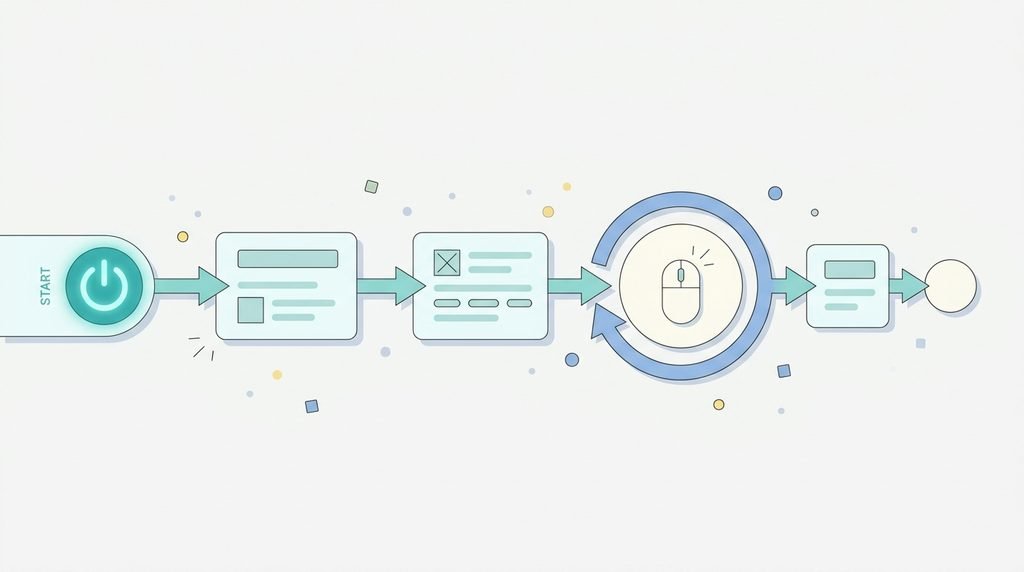
If you build a new shape every time the mouse moves, the screen fills with copies. Create each shape once, set its color, and add() it to the screen in your start() function. CodeHS documents add(circle); as “Add to screen.”
4. Register a mouse-move function
The CodeHS documentation lists mouseMoveMethod(functionToCall); as the call for “on mouse movement,” and says the registered function is called when the event occurs. Pass the function’s name without parentheses, as the docs show for mouseClickMethod(addBall);.
5. Read the mouse position from the event
Inside your handler, the documentation’s examples use e.getX() and e.getY() for the mouse position. These are the numbers you’ll feed to your shapes.
6. Update your shapes, using the right method for each
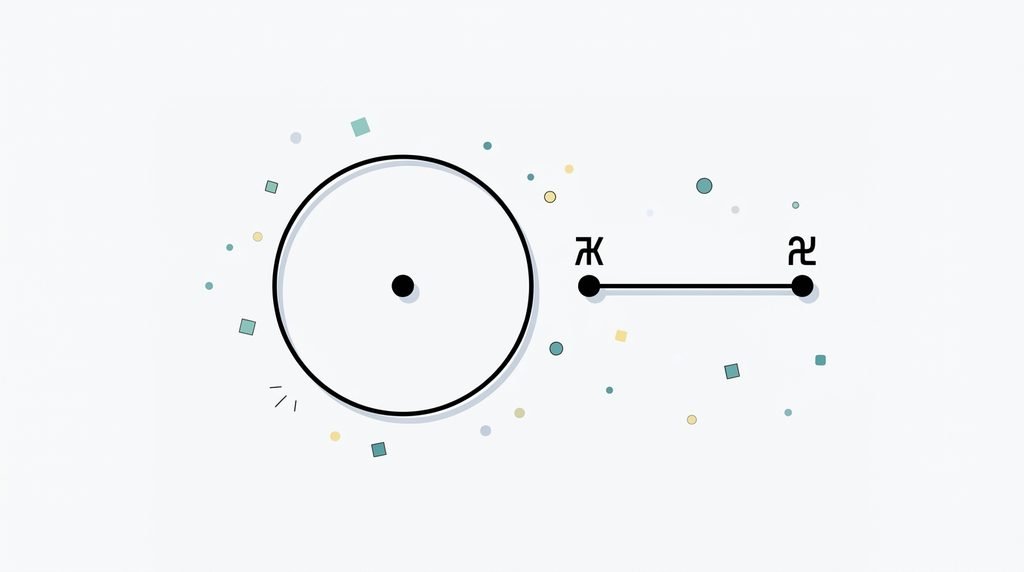
This is where most mistakes happen. According to the CodeHS docs:
- A
Circle‘ssetPosition(x, y)sets the location of the center of the circle. - A
Lineis created withnew Line(x1, y1, x2, y2), and it has separate methods for changing the starting point (setPosition) and the end point (setEndpoint). getWidth()andgetHeight()return the canvas size, which helps you place something at the center.
Think about which end of the line must stay put, and which end must follow.
7. Test by moving the mouse slowly
Check that nothing is duplicated, that the fixed end really stays fixed, and that the line meets the shape rather than stopping beside it.
A Practice Example Before You Start on 9.7.4 Leash CodeHS Answers
Try this warm-up from the pattern in the CodeHS documentation. It has nothing to do with a line, so it won’t give away the exercise:
javascript
function start() {
    var ball = new Circle(20);
    ball.setColor("teal");
    add(ball);

    mouseMoveMethod(function (e) {
        ball.setPosition(e.getX(), e.getY());
    });
}
If the circle sticks to your cursor, you understand steps 3 to 5. Then change the circle’s color on every move, and finally try adding a second shape that reacts to the same event.
6 Common 9.7.4 Leash CodeHS Answers Mistakes and Fixes
| Symptom | Likely cause | Fix |
|---|---|---|
| Hundreds of shapes appear | Shapes created inside the handler | Create once in start(), update in the handler |
| Nothing moves | Handler never registered, or called with () | Pass the function name to mouseMoveMethod without parentheses |
| Shape is off-center | Assuming setPosition uses a corner | For circles, it sets the center |
| Line doesn’t connect | Wrong end of the line updated | Use setEndpoint for the end and setPosition for the start |
Error about e | Parameter missing from the function | Give the handler a parameter and use it |
| Shape appears at the top-left | Used 0, 0 instead of canvas size | Use getWidth() / 2 and getHeight() / 2 for the center |
How to Debug Without Looking Up 9.7.4 Leash CodeHS Answers
- Print the values. Use
println(e.getX())inside the handler to confirm it’s firing. - Change one thing at a time. Don’t edit three lines and test once.
- Read the error message. It usually names the line and the missing item.
- Draw it on paper. Mark the fixed point and the moving point.
- Rename badly named variables.
aandbhide mistakes.ballandleashdon’t.
If You’re Stuck on 9.7.4 Leash CodeHS Answers
- Ask your teacher. They can see your exact version of the instructions.
- Use the CodeHS documentation, which has short examples for every method used here.
- Explain your code aloud. If you can’t say what a line does, that’s the line to study.
Planning study time around a hard unit helps too, and our guide to the best digital planners covers tools for that. If you’re checking free learning sites before trusting them with a child’s data, see our review of mathplayzone.
Frequently Asked Questions About 9.7.4 Leash CodeHS Answers
What is 9.7.4 Leash on CodeHS? An exercise in lesson 9.7, “Drawing Lines,” of the CodeHS Introduction to Computer Science in JavaScript course, in the Animation and Games module.
Where can I find 9.7.4 leash codehs answers? Several sites publish code, but their descriptions of the task disagree and their correctness isn’t verified. Use the documentation and your own instructions to build it.
What language is 9.7.4 Leash in? JavaScript, based on the course title.
What do I need to know before looking for 9.7.4 leash codehs answers? How to create shapes, add them to the screen, register mouseMoveMethod, read e.getX() and e.getY(), and update a Circle and a Line.
Why does my ball not follow the mouse in 9.7.4 leash codehs answers I tried? Common causes are creating the shape inside the handler, registering the handler incorrectly, or not updating the shape’s position.
Is it okay to copy 9.7.4 leash codehs answers? Many teachers consider it academic dishonesty, and copied code may not match your version of the task. Check your class policy.
Does setPosition use the center or the corner for a circle? The CodeHS documentation says it sets the location of the center of the circle.
How do I set the other end of a line in CodeHS? The documentation lists setEndpoint(x2, y2) to change the end point, while setPosition(x1, y1) changes the starting point.
Bottom Line
The best way to handle 9.7.4 leash codehs answers is to skip the copy-paste hunt and build the program from the documented pieces: create shapes once, register mouseMoveMethod, read e.getX() and e.getY(), and update each shape with the right method. Check your own instructions first, because third-party descriptions of the task disagree. If you get stuck, print values, change one thing at a time and ask your teacher.