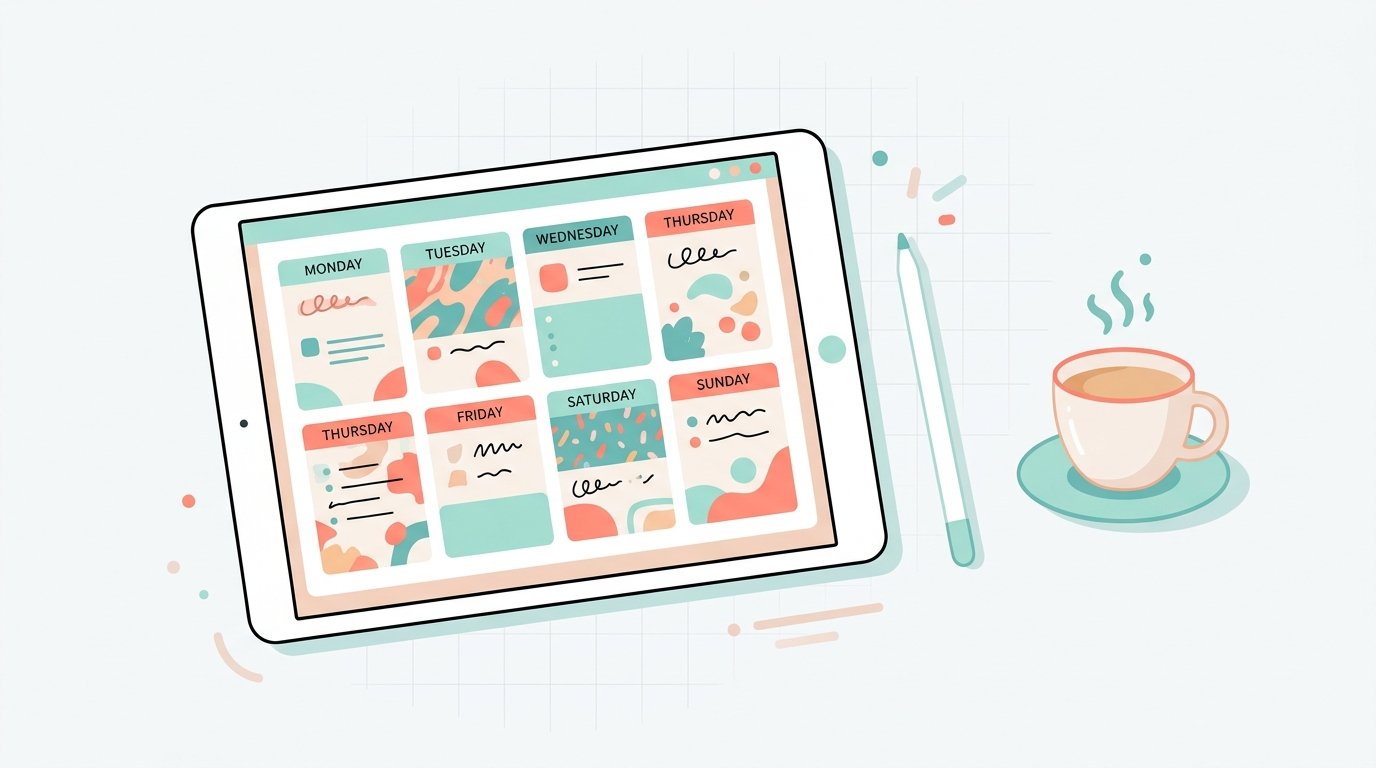
Best Digital Planners in 2026: 6 Smart Picks and How to Choose the Right One
The best digital planners are the ones you actually open every morning, and that is rarely the prettiest one in the product photo. Most “best of” lists you will find are published by companies that sell a planner or an app, and nearly all of them rank their own product near the top. This guide to the best digital planners takes a different route: it shows how the main options differ, what the official plans cost today, and which one fits which kind of person.
A note on method: I did not test these products hands-on. Prices and limits below come from each company’s own pricing page, which I read on October 29, 2026, and prices change, so check before you buy. Details about PDF planner files come from a published roundup, and I flag the seller’s conflict of interest where it applies.
The Short Answer
Among the best digital planners, there are two kinds of product, and mixing them up is the most common mistake.
- PDF planners are files with clickable tabs that you open in a note-taking app and write on with a stylus. You buy them once, usually for roughly $10 to $32 according to one 2026 roundup.
- Planner apps are software with built-in calendars, task lists and reminders, usually free to start, with a paid upgrade.
For handwriting on a tablet, a PDF planner in Goodnotes is the usual choice. For tasks and reminders that nag you, Todoist or a calendar app wins. For a fully customized system, Notion is the flexible option. The sections below explain why.
Best Digital Planners at a Glance
| Best for | Option | Cost (official page, Oct 2026) | Main catch |
|---|---|---|---|
| Handwriting on a tablet | Goodnotes plus a PDF planner | Free up to 3 files; Essential $11.99/year; Pro $35.99/year | Free plan is very limited |
| Lectures and audio notes | Notability | Free plan with 5 notes; paid tiers add unlimited notes | Plan pricing is spread across several tiers |
| Daily to-do lists | Todoist | Free; Pro $5/month billed yearly ($60/year), or $7 monthly | Free plan caps at 5 projects |
| Custom all-in-one workspace | Notion | Free; Plus $10 per member per month | Takes setup time |
| One-time purchase planner | A PDF planner file | About $10 to $32, per one roundup | Quality varies by seller |
| Free starting point | Your phone’s built-in calendar | Free | Basic task features |
1. Goodnotes: The Best Digital Planners Start Here for Handwriting
Goodnotes is the app most PDF planners are built for. Its pricing page lists a free plan limited to 3 files and 3 folders, with a 5 MB import limit, watermarked exports and 20 minutes of audio recording. Essential costs $11.99 a year and removes the file limit. Pro costs $35.99 a year and adds Drive integration, private link sharing, real-time collaboration and device sync. It runs on Apple, Android, Windows and the web, though syncing one library between Apple and non-Apple devices requires Pro.
The catch: a PDF planner counts as a file, so the free plan fits a single planner and little else. One third-party comparison also says Goodnotes lacks hyperlink support, which would hurt PDF planners that rely on clickable tabs. I could not confirm that against Goodnotes’ own pages, so test a free planner sample before paying.
2. Notability: Best for Lectures and Meetings
Notability’s selling point is linking audio recordings to handwritten notes. Its pricing page shows a free Starter plan with 5 notes, and paid tiers that add unlimited notes, AI features such as transcription and summaries, and longer version history. It lists support for Mac, Windows, iPad, iPhone and Android. The page I read didn’t clearly label which listed price is monthly and which is yearly, so confirm the exact figure before subscribing.
3. Todoist: Best for Daily Tasks
If your planning is mostly lists, deadlines and reminders, a task app is faster than a handwritten planner. Todoist’s free Beginner plan allows 5 personal projects and 3 filter views. Pro costs $5 a month billed as $60 a year, or $7 on monthly billing, and raises the limits to 300 projects and 150 filters, with a calendar layout and custom reminders. Among the best digital planners for tasks, it’s the best-fit choice for people who forget to check a planner but notice notifications.
4. Notion: Best for a Customized Planner
Notion lets you build your own planner from pages and databases: habit trackers, content calendars, budgets. The Free plan costs nothing, with a 5 MB per-file upload limit and 7 days of page history. Plus is $10 per member per month on monthly billing, with 5 GB uploads and 30 days of history. Notion also has a block limit on Free workspaces with two or more members, though single-member workspaces have none. The trade-off is setup effort: you are building the planner before you can use it.
5. PDF Planner Files: Best Digital Planners for a One-Time Purchase
A PDF planner file is cheaper over time than a subscription, but the market is crowded and quality varies. A 2026 roundup from Paperlike lists 14 planners with prices from $9.99 to $31.99, and notes recurring complaints: heavy setup, separate files for each screen orientation, unintuitive navigation and inconsistent weekly links. Keep one thing in mind when comparing the best digital planners it lists: Paperlike sells the planner it ranks first, and it says so itself, so treat its ranking as marketing and use its list of drawbacks as a checklist instead.
When you shop, check:
- Dated vs. undated. Undated planners can start any month, so they’re safer if you buy late.
- Orientation. Landscape and portrait are often sold separately.
- Hyperlinks. Tabs should jump to the right page, and your app must support them.
- Free sample. Several sellers offer one, and a sample reveals the navigation before you pay.
- License. Personal-use files can’t usually be resold or shared.
6. Built-In Calendar Apps: The Free Baseline
Before paying for any of the best digital planners, try the calendar already on your phone. It handles appointments, alerts and shared events at no cost. Its weakness is thin task and notes features, which is exactly the gap the paid options fill.
How to Pick From the Best Digital Planners
- Decide how you plan. Do you want to handwrite, or just type and tick boxes?
- Check your device. A stylus tablet suits PDF planners, while a phone-first routine suits a task app.
- Start with free tiers. Use the free plan for a week before paying.
- Count the cost over a year. Add the planner file and any app subscription together before you decide.
- Keep it simple. An elaborate setup you abandon is worse than a basic one you use.
Why People Quit Digital Planners
A few patterns repeat across the roundups of best digital planners I read: too much setup, too many tabs, no reminders, and switching apps every month. The fix is rarely switching to another of the best digital planners. Pick one tool, spend one weekend setting it up, and review it after 30 days.
Are Free Planner Apps and Templates Safe?
Free downloads and unfamiliar shops selling the best digital planners deserve the same caution as any unknown site. Before entering an email address or payment details, check who runs the shop and read its privacy policy. We use the same approach in our guides to mathplayzone and domikyo.com: find out who is behind a site, and be careful with sites that won’t say.
Frequently Asked Questions
What are the best digital planners in 2026? The best digital planners depend on how you plan. For handwriting, Goodnotes with a PDF planner. For tasks, Todoist. For a custom setup, Notion. The best choice depends on whether you handwrite or type.
What is the best digital planner for iPad? Among the best digital planners for iPad, Goodnotes is the most commonly paired app, and Notability is the alternative if you record audio. Test a free planner sample first.
Are the best digital planners worth paying for? They can be, if you will actually use them. A free tier lets you find out without spending anything.
What is the difference between a digital planner and a planner app? A digital planner is usually a PDF you write in using another app, while a planner app is software with built-in calendars and reminders.
Do digital planners work on Android? Yes. Goodnotes lists Android support, though syncing with Apple devices requires its Pro plan.
Are PDF planners a one-time purchase? Usually, though the app that opens them may charge a subscription once you outgrow its free plan.
Are there free digital planners? Yes. Some sellers offer free samples or lite versions, and many apps have free tiers. Read the limits first.
Bottom Line
The best digital planners aren’t a single product but a match between how you plan and the tool that suits it. Handwriters should pair Goodnotes with a PDF planner, list-makers should try Todoist, and tinkerers will enjoy Notion. Start with a free tier, test the best digital planners before you pay and be skeptical of any ranking published by the seller.
Sources: Goodnotes pricing · Notability pricing · Todoist pricing · Notion pricing · Paperlike’s 2026 planner roundup · ClickUp’s digital planner apps roundup · Onplanners’ iPad planner apps list