Scamalytics: 7 Essential Facts About the IP Fraud Score Everyone Keeps Misreading
Scamalytics is a UK company that scores IP addresses for fraud risk, not a tool that tells you whether a website is a scam, and that mix-up explains most of the confusion around the name. Search it and you’ll find website owners pasting an IP into a lookup box, VPN users wondering why they’ve been blocked, and people who assumed a site called “Scamalytics” would verify shops and offers.
This guide explains what Scamalytics actually does, how the fraud score works as far as it’s publicly known, what it costs, why innocent people get flagged, and what to do if that happens to you.
A note on method: I read Scamalytics’ own homepage, pricing page and brand announcement, plus an independent comparison of IP scoring services and several third-party explainers. Where a source is a vendor or sells competing products, I say so.
The Short Answer
Scamalytics sells fraud-detection data to businesses. Its main product is an IP address fraud check: you submit an IP address and get back a risk score, along with flags such as whether the address is running a proxy. It also offers a downloadable IP database, bulk lookups, and a separate user-level detection service aimed at dating sites and social networks. The online IP checker is free to use, and the company is a UK business, listed as Scamalytics Ltd.
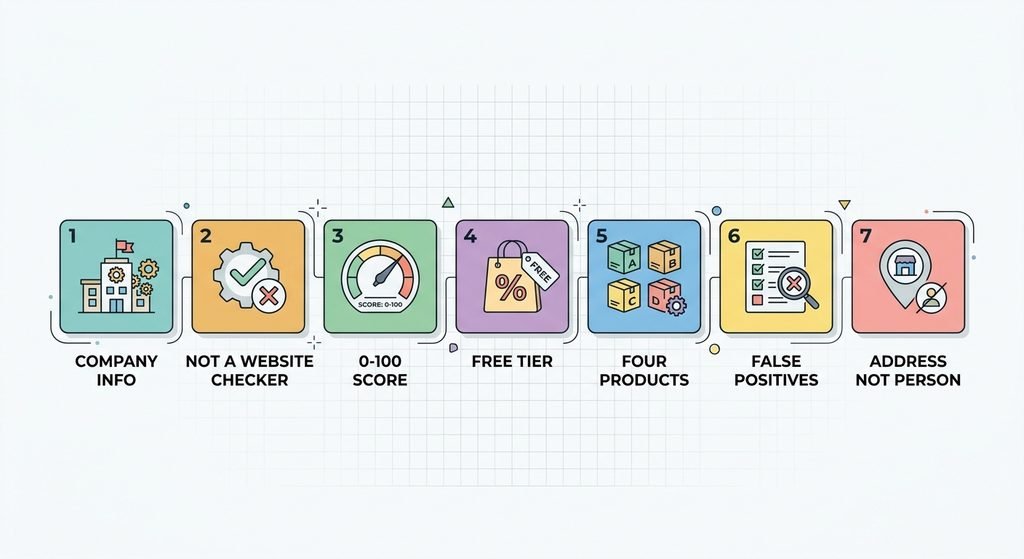
7 Essential Facts About Scamalytics
1. It’s a UK Fraud-Detection Company
The company’s homepage shows “© 2026 Scamalytics Ltd,” links to a UK company page, and names its CTO, Dan Winchester, as a media spokesperson. A 2016 post on its own site quotes a WIRED article saying Winchester co-founded the company in 2011. The company grew out of detecting fake and scam profiles on online dating sites, and the dating, banking, payments, classifieds and review sectors are the ones it lists as clients.
2. It Is Not a Website Scam Checker
This is the most common misunderstanding. It does not rate whether a shop, investment offer or domain is trustworthy. It rates the risk of an IP address. If you want to judge a website, you need different checks, and we cover them below.
3. The Score Runs From 0 to 100, but the Method Isn’t Published
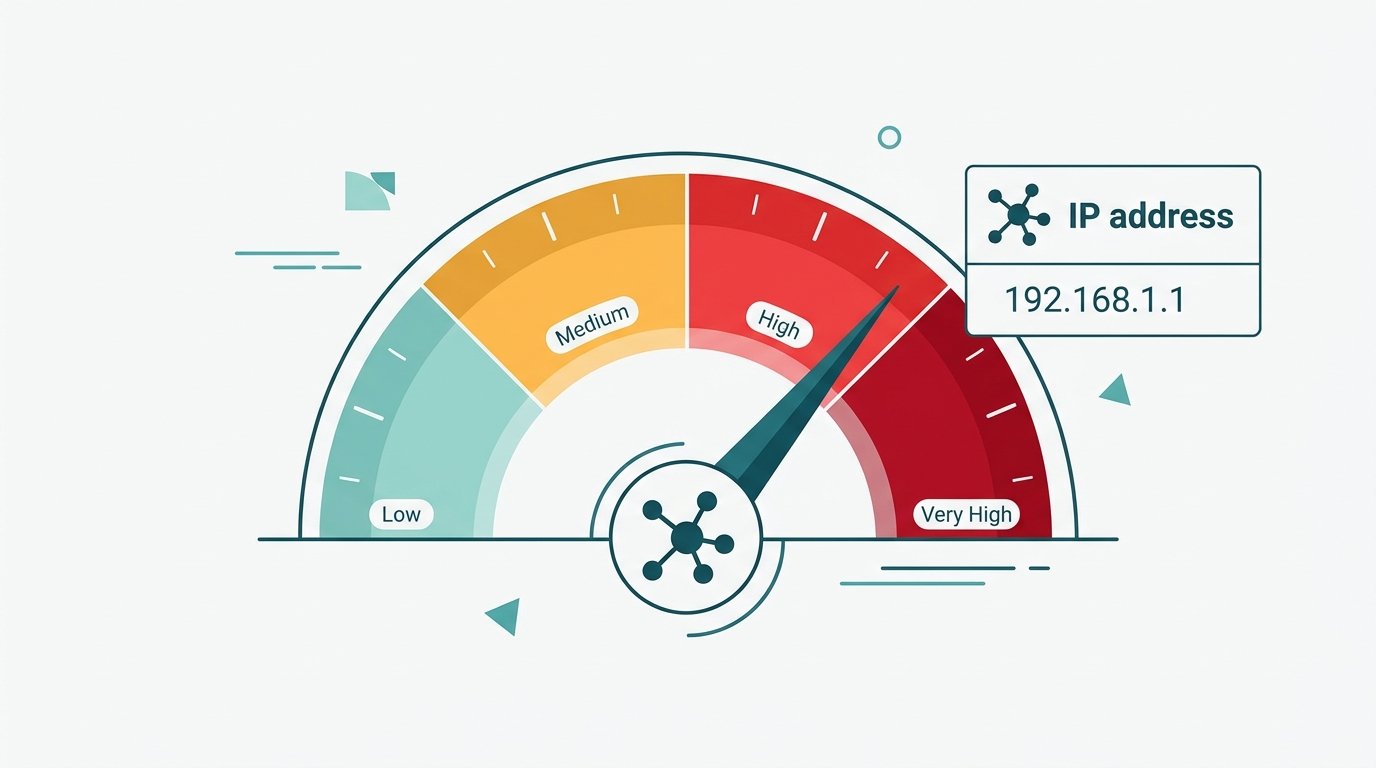
The company describes the score as the fraud risk presented by an IP address, and the lookup also shows whether the IP is running a proxy. The company doesn’t publish how the score is calculated, and the independent sources I read say the same. An explainer from the security firm ShieldLabs says the inputs across such services are broadly similar: blocklist and abuse-report history, whether the address is a known VPN, proxy or Tor exit, whether it belongs to a home ISP or a datacenter, and the volume and pattern of past flagged activity. How each vendor weights them is what differs, which is why one address can score clean on one service and risky on another.
One more caution: the risk bands (low, medium, high, very high) are not defined consistently in the sources I found. One explainer lists 0 to 19 as low and 90 to 100 as very high, but doesn’t attribute that table to the company. Read the label on the actual report instead of relying on a blog’s cutoffs.
4. A Free Lookup and a Free API Tier Exist
Scamalytics’ online IP checker is free: you enter an IP address and click “Check IP.” For developers, its pricing page lists a free API tier of 5,000 requests per month, with paid plans above that. Prices as published on its API pricing page today:
| Monthly requests | Pay monthly | Pay yearly |
|---|---|---|
| 5,000 | Free | Free |
| 25,000 | $25 | $250 |
| 100,000 | $100 | $1,000 |
| 1,000,000 | $200 | $2,000 |
| 10,000,000 | $1,000 | $10,000 |
| 100,000,000 | $5,500 | $55,000 |
Every plan includes the fraud score, open-source geolocation, public proxy, datacenter, ASN, external blacklist, and VPN and Tor detection, plus a bulk lookup tool. Optional add-ons such as premium proxy data and residential proxy data cost extra, and a 15-day free trial is offered on paid tiers. Check the page before budgeting, since prices change.
5. It Comes in Four Products
According to the company’s homepage:
- IP Address Fraud Check: per-address risk scores via lookup or API.
- On-premises MMDB: a downloadable copy of the IP risk database for unlimited lookups at a flat fee, which the company says avoids sending data to it, a plus for compliance.
- Bulk IP Lookups: upload a CSV or TXT file of IPs and download an enriched file with scores, proxy and geolocation data, without coding.
- User-level detection: a separate service that detects high-risk users using shared blacklists and machine learning, aimed at dating services and social networks and described as particularly effective against romance fraud.
6. Innocent People Get High Scores
ShieldLabs lists several common reasons an ordinary visitor can look risky:
- Using a VPN or proxy
- Carrier-grade NAT, where many subscribers share one public IP
- A recycled address that carries a previous owner’s flags
- Datacenter or hosting ranges, which look automated by default
- Residential proxy pools that route strangers’ traffic through home IPs
A high score does not prove the person behind it did anything wrong.
7. The Score Describes the Address, Not the Person
Per the same analysis, there is no universal threshold (the right cutoff differs for payments versus content), scores can lag behind new abuse, and a new address starts with a different reputation. Treat a score as one signal alongside others such as payment history, device data and behavior, not as a verdict. Note that ShieldLabs sells device-intelligence products, so its argument for adding device signals comes from a company with an interest in that answer.
Who Uses Scamalytics?
The company lists banking, payments, classifieds, reviews and dating businesses as client sectors, and says media outlets such as the BBC and Ars Technica have used or cited its work. A third-party review says the company grew out of dating-scam detection, which fits the “romance fraud” focus in its user-level product. These are the company’s own descriptions, so treat them as vendor claims.
If an IP Fraud Score Flags You
If a site blocks you or asks for extra verification, and you suspect an IP score is why, these are reasonable steps:
- Turn off your VPN or proxy and try again on your normal connection.
- Try a different network, such as mobile data instead of home Wi-Fi.
- Restart your router. Some home connections get a new IP address when it reconnects, though many ISPs assign a fixed or long-held one.
- Contact the site’s support and explain what happened. Many sites can review blocked users manually.
- Contact your ISP if the problem persists, since a shared or recycled address may be the cause.
- Don’t use tricks to disguise your connection to get around a fraud check. Those can violate a site’s terms and can make the situation worse.
You can look up your own IP on the free checker to see what a business would see, but remember it’s only one provider’s view.
How to Check Whether a Website Is a Scam Instead
Because it isn’t built for this, use methods designed for it:
- Check the domain. The free ICANN Lookup tool shows registration dates and registrar.
- Look for real business details: a named owner, address, working contact and clear policies.
- Search the site’s name with “scam” or “reviews,” and favor sources that show evidence over repeated claims.
- Verify any offer independently before paying or sharing personal data.
- Report fraud. In the US, you can file a report at ReportFraud.ftc.gov.
We apply this approach in our guides to Crackstube, TozyMagazine.com and Aelftech.com.
What the Existing Scamalytics Articles Get Right and Wrong
I reviewed several pages that explain Scamalytics, ranging from about 1,100 to 3,000 words. The more careful ones stress that the scoring method is undisclosed and that scores aren’t proof. The weaker ones share some problems:
- Unattributed score bands or action tables presented as the company’s guidance.
- Unsupported interpretations, such as reading a score of 70 as “7 in 10 users are fraudulent.”
- Vendor claims repeated as fact, including speed figures and user counts.
- Conflicts of interest, since some articles are published by companies that sell proxies, anti-detect tools or competing products.
- Misspellings and confusion, with some pages calling it “Scamlytics” and mixing up its IP scoring with a website checker.
Frequently Asked Questions
What is Scamalytics? A UK company selling fraud-detection data, best known for its IP address fraud score and a related user-level detection service.
Is Scamalytics a website scam checker? No. It scores IP addresses for risk, not websites or offers.
Is the Scamalytics IP checker free? Yes, the online IP checker is free, and an API free tier of 5,000 requests a month is listed on its pricing page.
How does the Scamalytics fraud score work? It rates an IP address from 0 to 100 using signals such as VPN or proxy use, hosting type and blocklist history. The exact weighting isn’t published.
What is a good Scamalytics score? Lower is better, since higher means higher risk. The cutoffs for low, medium and high aren’t consistent across the sources, so read the label on the report.
Why does my IP have a high Scamalytics score? Common causes are a VPN or proxy, a shared or recycled IP, or a hosting range. The score describes the address, not you.
Can Scamalytics block me? No. It provides scores, and the website or business that uses them decides whether to block, challenge or allow you.
Is Scamalytics legit? It appears to be an established UK business with a public pricing page and a company record. Its accuracy claims are the company’s own and aren’t independently verified.
Bottom Line
Scamalytics is a real UK fraud-detection company whose core product is a 0 to 100 risk score for IP addresses, with a free lookup, a free API tier and paid plans for volume. It isn’t a website scam checker, its scoring method isn’t public, and a high score can reflect a shared or recycled address rather than bad intent. Businesses should use it as one signal among many, and visitors who get flagged should switch networks, contact support and skip the tricks. To judge whether a website is a scam, use domain, business and report-based checks instead.