UploadWords.com Explained: Free Word Search and Vocabulary Tool for US Users
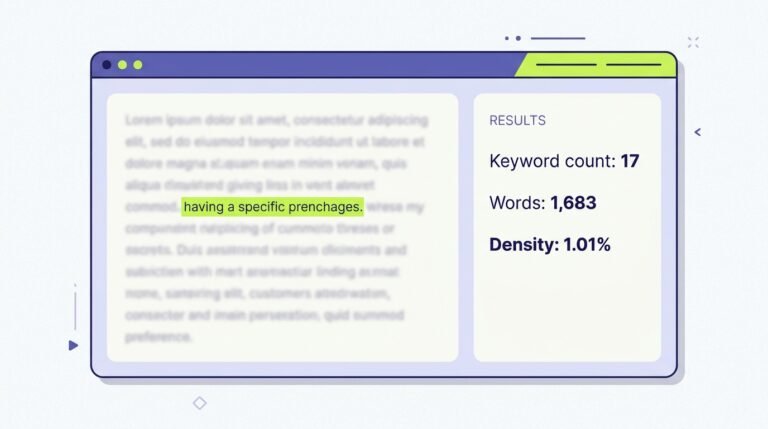
If you have finished a draft and wonder whether you repeated one word too often, or whether the piece stays on its intended topic, uploadwords.com usa is a search phrase that leads to a simple answer. It points to UploadWords.com, a free browser tool that counts the words and characters in text you paste in, lists the words that appear most often, and turns those frequent words into a word cloud. It is not a search engine, a keyword research service, or a full editing suite.
| Question | Short answer |
|---|---|
| What is it? | A free browser text-analysis tool for word count, character count, top keywords in your own text, and a word cloud |
| Do you need an account? | No signup is advertised for core use |
| Does it show Google search volume? | No; its top keywords are frequency counts from the text you enter |
| Can you upload a file? | The live homepage says file uploads are coming soon; other pages describe .txt uploads, so verify live before relying on upload |
What Is UploadWords.com USA?
UploadWords.com USA is best understood as a name people use when searching for UploadWords.com from the United States, not as proof of a separate American edition. The site presents one tool: paste text in, and get back counts, frequent words, and a visual summary. No separate United States version was shown on the live homepage checked for this article.
Free browser text-analysis tool, no signup advertised
The live homepage says the tool is 100% free and carries the short labels no signup, fast, and privacy-first. It answers its own question about cost in plain terms: yes, completely free to use. That description is date-stamped here as November 2026, and it comes with the usual caveat for any free web tool: check the site before you rely on it, because a free offer, a feature, or a privacy statement can change without warning.
USA is a search variation, not a separate US edition, per site descriptions
Search results and guides describe the tool as available to people in the United States and internationally, because it is a website rather than a product sold by country. That is different from claiming a distinct United States edition with its own features. The pages found during research for this article describe the same core outputs: word count, character count, top keywords, and a word cloud.
What It Actually Does
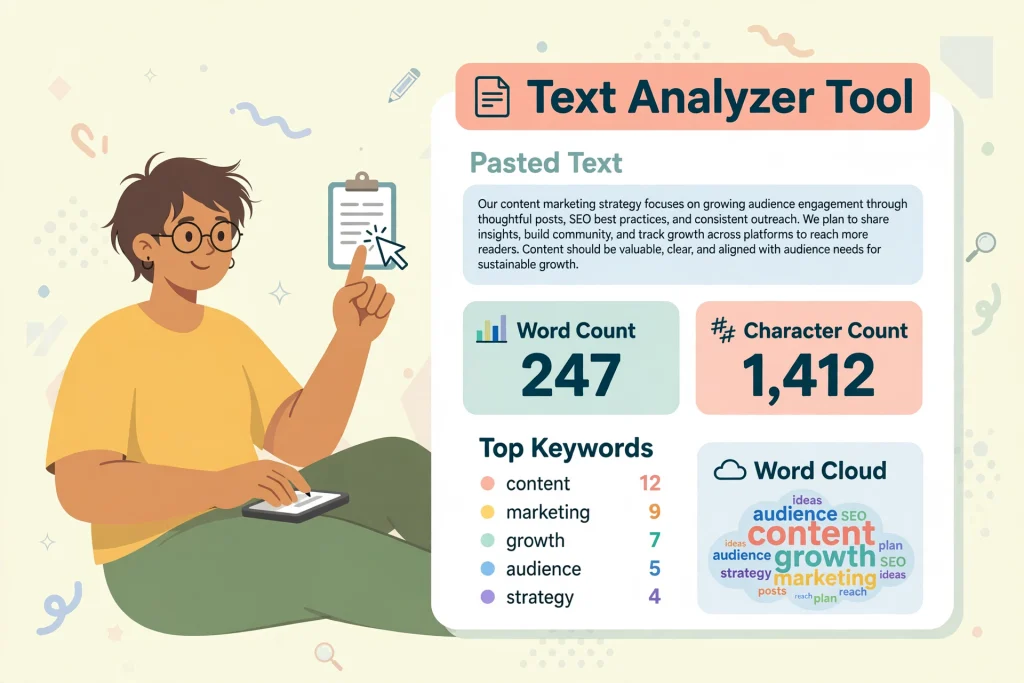
UploadWords.com does a small set of things in one place: it counts your text, it shows which words you used most, and it gives you a visual version of that frequency. You paste text in, the tool analyses it, and you can copy or export the results for a report or a further edit. It is a checking tool, not a writing tool.
Word count and character count
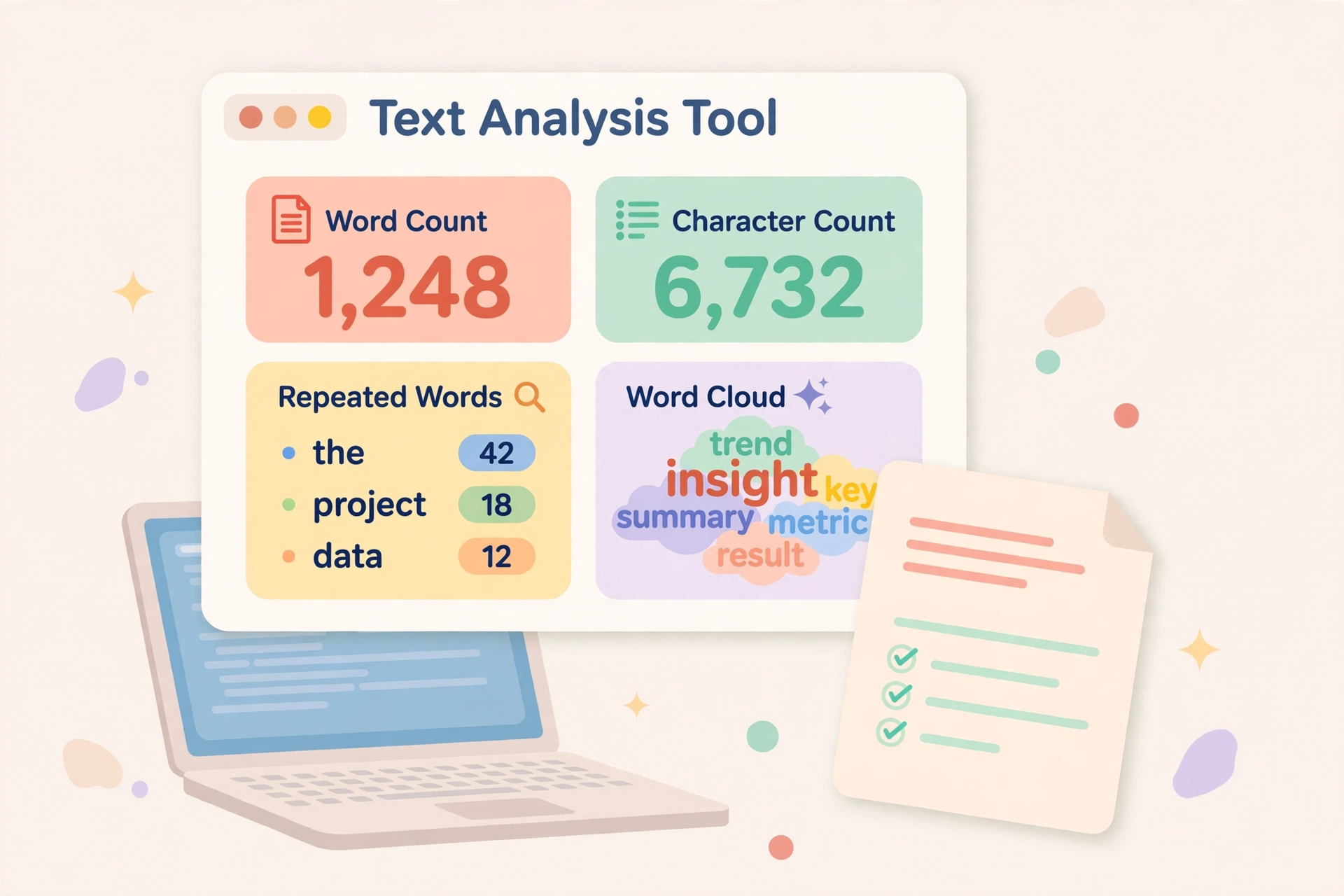
The tool reports how many words are in the text and how many characters it contains, which helps when a brief sets a limit. A school assignment, a product description, a social media caption, and a search snippet all live under different limits, and counting by eye is slow and easy to get wrong after several rounds of editing. The live homepage illustrates this with a sample result: 1,248 words, 6,630 characters, and a top word shown with its count.
Top keywords in your own text, with frequency
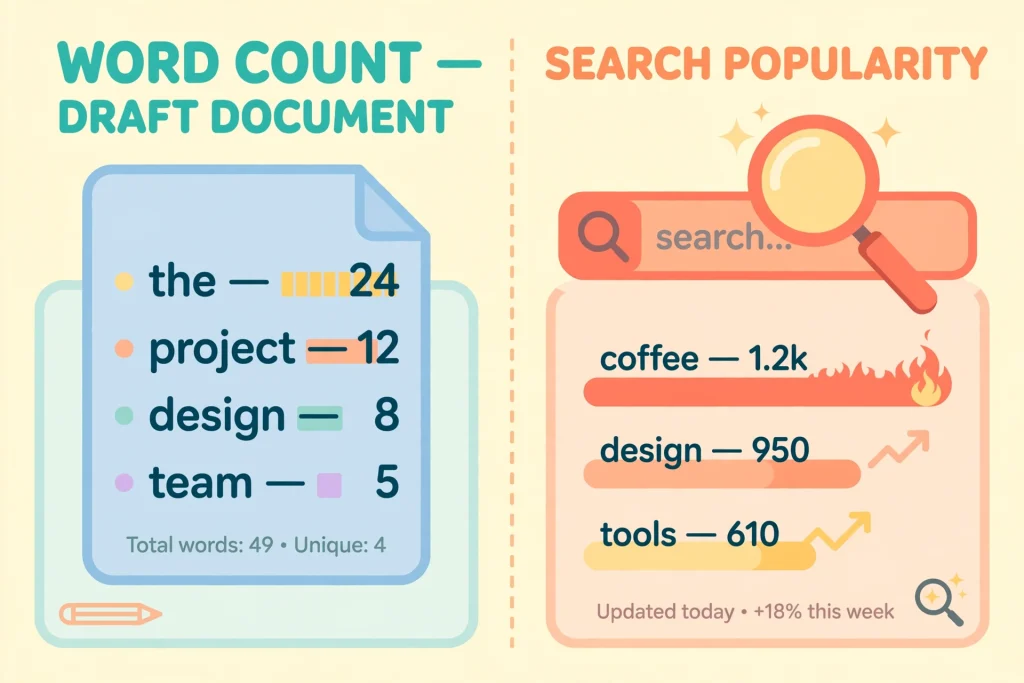
After the counts, the tool lists the words that appear most often in the text you entered, together with how many times each one appears. On the homepage this is called Top Keywords, and the sample shows a top word with a count of 42. That number means the word appeared 42 times in that sample text. It does not mean 42 people searched for it, 42 websites rank for it, or 42 readers want to read about it.
Word cloud, copy and download where supported
A word cloud turns the same frequency information into a picture: words that appear more often are shown larger, and words that appear less often are shown smaller. It is a quick way to see the dominant topic of a draft at a glance, and it can be useful in a classroom, an editorial review, or a client report where a table of numbers would slow the conversation down.
Stopwords filter and minimum word length
Guides describing the tool also list two filters that shape the keyword list: removing stopwords, and setting a minimum word length. Stopwords are the small, common words that hold sentences together, such as the, and, and to. Without a filter, those words can crowd out the topic words you actually want to see. With a filter switched on, the list is more likely to show nouns and topic terms instead.
Top Keywords Does Not Mean Google Search Volume
Top keywords on UploadWords.com means the words that appear most often in your draft, and nothing more. It is a count of what you wrote, not a measure of what other people are searching for on Google. Keeping those two ideas apart will save you from the most common misunderstanding about this tool, and it is the reason this section exists.
Frequency in your draft vs popularity in search – different things
Imagine you write a 1,000-word article about home baking and use the word oven 30 times. UploadWords.com will report oven as a frequent word in your text, because it counted your draft. That result says nothing about how many people searched for oven last month, how competitive that search term is, or whether a page about ovens would rank on Google. A word can dominate your draft and still attract very little search traffic, and a popular search term can be absent from your draft entirely.
Why this matters for SEO writers
For writers working on search content, the distinction changes how the tool should be used. UploadWords.com is useful after you have already chosen a topic and written a draft, when you want to check whether the draft stays focused, whether a target term appears naturally, or whether repetition has become a problem. It can support a cleanup pass, where you compare the words you intended to emphasise with the words that actually dominate the text.
Paste vs Upload, and Limits
UploadWords.com is presented as a paste-first tool, and the question of file uploads is where its own pages disagree. That disagreement is worth stating plainly, because a writer planning to upload a document needs to know whether the option is live before they depend on it. Pasting text is the core input, and file upload is described inconsistently across sources.
Paste text, .txt upload where supported, 4 MB claim on some pages
The live homepage leads with the instruction to upload or paste text, and its workflow steps are paste or upload, analyse, then download or copy. Guides describing the tool go further and say the upload feature supports .txt files, with one guide listing a 4 MB limit. On that reading, a writer with a plain text file could upload it rather than opening it and pasting it in by hand.
Conflicting file-upload claims across pages – verify live at write time
Here the sources diverge, and the divergence was confirmed at write time. The live homepage fetched for this article answers the question what can I upload with a short, direct line: paste any text, and file uploads coming soon. That suggests that, on the homepage version, pasting is the live input and file upload is not yet available, even though the same page uses the broader phrase upload or paste text elsewhere.
Privacy and Who Should Use It
UploadWords.com presents itself as a privacy-first tool, and its homepage answers the storage question directly: your text is not stored or shared. That is a reassuring claim for a quick word count, but it is still a claim on a free website, not a guarantee you can audit from outside. Use the tool for ordinary drafts, and keep sensitive material out of any free web tool, including this one.
Site says text is not stored or shared, processed in browser on some versions
The live homepage states that text is not stored or shared, and some versions and descriptions of the tool go further, saying that analysis runs in the browser and that nothing is uploaded to a server. Browser processing, where it applies, is a stronger privacy story than server processing, because the text would not need to leave your device to be counted. The homepage text fetched for this article did not itself spell out that browser-processing detail in its visible sections, so treat the two claims separately, and check the current tool page for the version you are using.
Do not paste highly sensitive text into any free web tool
The exception is material that would cause real harm if it leaked: passwords, private personal details, unpublished legal or medical documents, confidential business plans, and anything covered by a non-disclosure agreement. Do not paste that kind of text into UploadWords.com, or into any free web tool, even one that says it does not store text. A privacy statement describes intent and current design, not a promise that nothing can ever go wrong, and a free tool can change hands, change terms, or change how it processes data.
FAQs
These are the questions readers ask most often, answered from what the site itself says.
Is UploadWords free?
Yes, according to the site itself. The homepage describes the tool as completely free to use, with no signup for core use. That description is recorded here as November 2026, and as with any free tool, it is worth checking before you rely on it for a deadline, because free terms can change.
Do I need an account?
No account is advertised for core use. The homepage carries the label no signup, and its workflow starts with pasting text rather than signing in. If a future version asks for an account for an extra feature, that would be a change from the core offer described here.
Does it show Google search volume?
No. Its top keywords are the words that appear most often in the text you enter, with a frequency count for each one. Google search volume is a different measurement, based on how often people search for a term, and UploadWords.com does not report it. Use the tool to check your own draft, and use a keyword research tool if you need search data.
Can I upload a file?
It depends on which page you read, and you should verify it live. The homepage fetched for this article says file uploads are coming soon and directs users to paste text, while other pages describe .txt uploads, with a 4 MB limit mentioned on one guide. Until the tool itself shows an upload option, pasting text is the reliable input method.
Bottom Line
UploadWords.com is a small, free tool that does one job well: it tells you how long your text is, which words you used most, and what that frequency looks like as a word cloud. Its value lies in that focus, and its limit lies there too, because a frequency count from your own draft is not search volume, not keyword research, and not a verdict on quality. If you use it as a second pair of eyes on a finished draft, checking for drift, repetition, and length before you publish or submit, it earns its place in a writing routine. If you need search data, plagiarism checking, grammar correction, or a full SEO audit, you will need other tools for those jobs.