PlayMyWorld Gaming: What It Really Is, and What to Check Before You Trust It
If you searched for playmyworld gaming, you probably expected a simple answer: a place where you open your browser and start playing. The short answer is messier than that, and knowing the mess will save you time.
PlayMyWorld is described in many online guides as a browser-based gaming and world-building platform where you play, build, and explore 3D worlds without downloading anything. But the publicly visible PlayMyWorld.com site works mainly as a gaming and entertainment article blog, publishing guides about games, gaming gear, consoles, and much more besides. Those two pictures do not match, and this article keeps them separate so you can judge each claim on its own evidence.
The Short Answer
- What you can verify today: PlayMyWorld.com is a content website. You can read its articles without an account or a download. Its visible navigation covers gaming equipment, consoles, and the game Fallout 4, alongside much wider lifestyle topics.
- What is claimed but not independently verified: A playable, browser-based 3D world platform with custom worlds, avatars, multiplayer rooms, drag-and-drop building tools, and AI recommendations. These features are described in PlayMyWorld’s own articles and in third-party guides, but reviewers who checked the visible site found no game launcher, player account area, app download, or playable game library.
- How you should use it: Treat PlayMyWorld.com as a reading site first. If you want to play or build something, check for a working launcher, sign-up screen, or playable world before you hand over an email address, download a file, or pay for anything.
- Bottom line up front: Do not judge PlayMyWorld by its most exciting article. Judge it by what you can actually click, open, and use on the site itself.
What PlayMyWorld Actually Is
Start with what is visible, because that is the part you can check yourself in a minute.
PlayMyWorld.com publishes articles about video games, gaming gear, online casinos, esports, technology, and a long list of lifestyle topics. Its home page describes the site as a gateway to gaming, computers, accessories, and more. Its main menu highlights gaming equipment, consoles, and Fallout 4.
That mix matters. A focused gaming service usually sticks to one job: hosting games, selling games, or running a community around one game. PlayMyWorld.com reads much more like a general content blog that targets many different search terms. Alongside gaming guides, you can find posts about dating, home projects, health, travel, finance, and artificial intelligence.
Its strongest content, by the reviewers’ account, is gaming guides. You can find posts about consoles, computer games, game equipment, online safety, streaming, esports, and older titles, including very specific guides such as Fallout 4 locations, Old School RuneScape items, and Call of Duty weapons.
So if you arrived looking for reading material — a guide, an explainer, or a roundup — that is what the site most clearly offers. If you arrived expecting to press play, you need to read the next section carefully, because that is where the claims and the visible site part ways.
What the Platform Claims Say
Now for the other picture: the one painted by PlayMyWorld’s own gaming articles and by the many third-party guides that repeat them.
In that picture, playmyworld gaming is a browser-based 3D virtual world platform. You open it in a normal browser, log in, and enter a universe of user-made games, social spaces, and custom worlds, all rendered in real time in 3D. You do not install a large game client, and you do not need to learn a traditional game engine.
The claimed features usually include:
- Play: Ready-made games and experiences across genres such as action, puzzle, racing, adventure, and social hangout worlds.
- Build: A visual world builder with drag-and-drop terrain, ready-made assets, props, lighting, and simple rules such as “if a player reaches this area, open this gate.”
- Customise: An avatar you can dress and personalise with clothes and accessories.
- Connect: Multiplayer sessions, in-game chat, friend lists, shared worlds, events, and sometimes tournaments or leaderboards.
- Discover: AI-assisted recommendations that suggest worlds and games based on what you have already played, plus AI help with layouts or non-player character behaviour in the builder.
One of PlayMyWorld’s own articles describes it as an expansive multiplayer gaming ecosystem where players create, explore, and share virtual worlds across PC, Mac, and mobile devices. Another presents it as a browser-based 3D world platform with real-time graphics. Third-party guides go further, describing a “game in five minutes” style of rapid prototyping: start from a blank map or a template, drop in terrain and objects, set a start point, test it, and publish it for friends.
That sounds appealing, especially if you have ever wanted to make a game but bounced off Unity or Unreal. It is also exactly the kind of description you should hold to a higher standard of proof, because it asks you to trust the site with your time, your account details, and possibly your money.
Why the Two Pictures Do Not Match
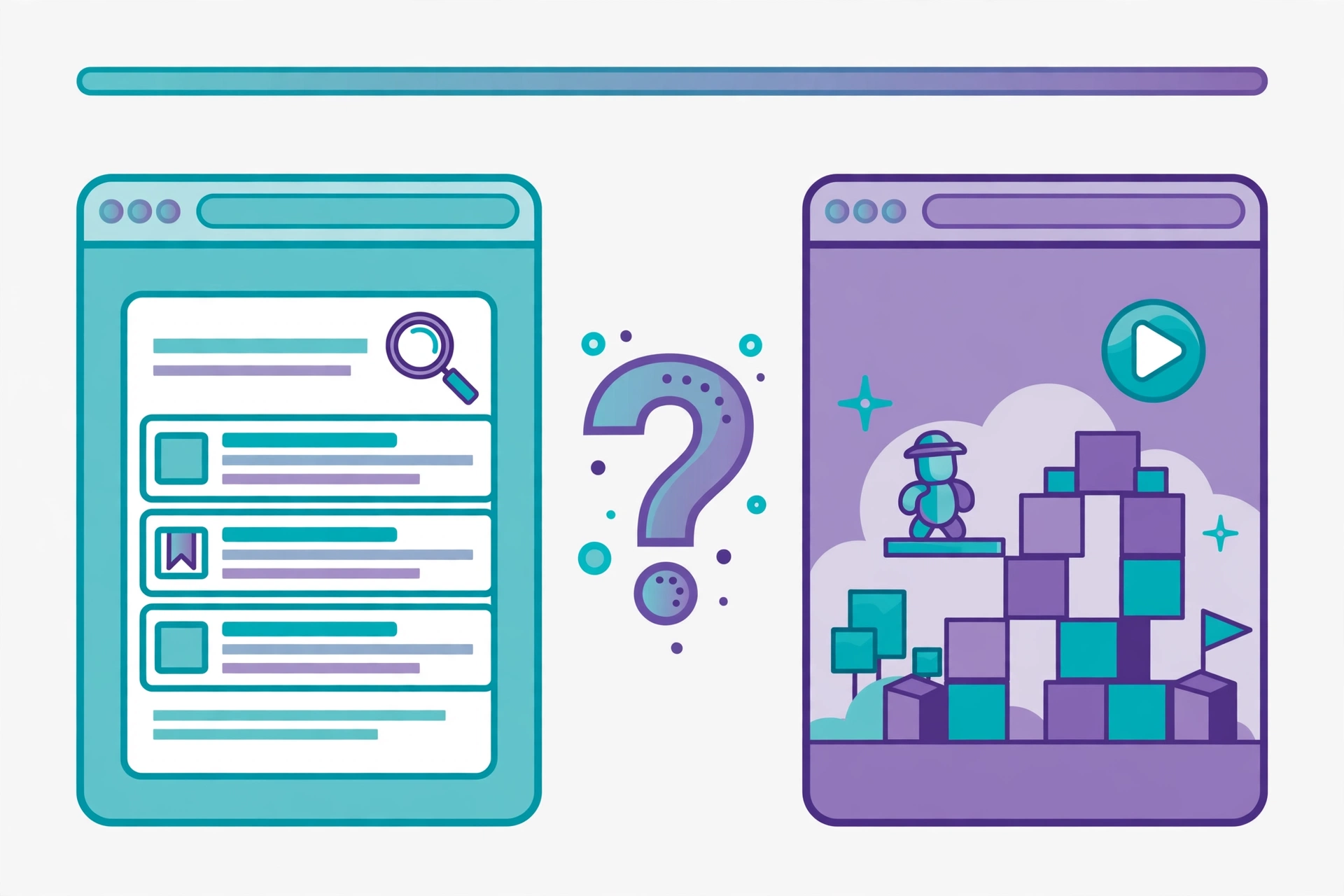
Here is the central problem with playmyworld gaming, and the reason this article does not simply repeat the platform pitch.
Reviewers who inspected the visible PlayMyWorld.com site found no clear path from the articles to a playable platform. There is no visible game launcher, no player account area, no app download, and no playable game library on the home page. There are no clear links leading to the claimed world builder, game client, app store page, sign-up screen, or multiplayer system.
That does not prove that no playable version of PlayMyWorld exists anywhere. It does mean that the platform descriptions should be treated as unverified article content, not as proof that such a game is available to you right now. Repetition is not verification either: a claim can appear on many websites simply because those sites copied similar material, not because each one independently confirmed it.
This pattern is not unique to PlayMyWorld. Tech2Explore has covered other sites where conflicting descriptions of a website made it hard to tell what the site actually does, and the same rule applies here: separate what the site shows you from what articles say about it, and trust the part you can test.
There are two more warning signs worth knowing about before you go further:
- The content mix includes gambling. The site publishes many articles about slots, casinos, blackjack, betting, and crypto gaming. That matters because a page that looks suitable for younger gamers can sit one click away from adult gambling material. If you are choosing a site for a child, that mix alone is a reason to supervise closely.
- Ownership is hard to confirm. The site’s team page names a founder, a co-founder, an editor, and a publisher, but reviewers found no links to verified professional records or a clearly registered company, and the footer address does not identify a clear real city and region. Its terms also state that it does not guarantee its information is correct, complete, current, or always available.
None of this proves the site is harmful. It does mean you should not treat its articles as final proof, especially for game facts, prices, security advice, or downloads. For those, check the game maker’s official website instead.
What You Can Actually Do With PlayMyWorld Today
Based on what is verifiable, here is a realistic picture of how you can use the site today.
Read gaming guides and explainers
This is the site’s clearest use. Browse the gaming equipment, console, and game-specific articles, and use them as a starting point for research, not as your only source. Check the publication date on each article, because a guide written months ago may no longer match the version of the game you are playing. Patches change abilities, quest requirements, item locations, and game balance.
Compare gear and setup ideas
The equipment coverage can help you think through a setup question, such as which controller, headset, or monitor suits the way you play. Before you buy anything, though, pin down the problem you are solving first. A competitive shooter player may care most about input responsiveness and network stability, while a story-driven player may care more about comfort and audio. A higher refresh rate monitor only helps if your console, game, and settings support it.
Follow gaming trends and news
The site’s news and trend articles can point you toward topics worth investigating, from cross-platform play to cloud gaming to AI in game development. Treat each article as a lead, not a verdict. A new article on a website is a content update. A new version of a game is a product update. A new console release is an industry development. They are not the same thing, and mixing them up is how hype turns into disappointment.
Play or build — only if you can verify it first
If a PlayMyWorld page promises a playable world or a builder, test the claim before you commit. Look for a working play button, a sign-up screen, or a published world you can actually enter. If all you find are more articles describing the feature, treat the feature as unproven for now. Never download a file, enter payment details, or create an account merely because an article calls a link official.
PlayMyWorld vs Roblox vs Minecraft
It helps to place PlayMyWorld next to the two platforms it is most often compared with, because the comparison shows what is genuinely different and what is only claimed.
Roblox is a user-generated platform where players create, share, and play millions of experiences, mostly built in Roblox Studio. You can browse and manage experiences through the official Roblox site, but creating and playing the full experiences requires downloading the Roblox application and Studio. Its creator economy, built around its virtual currency, is large and established, and its community is far bigger than anything PlayMyWorld’s articles describe.
Minecraft is a block-based sandbox game with survival, creative, and multiplayer modes, bought and downloaded through the official Minecraft site and its launcher. Its building is block placement inside a game world, and its modding and server communities are deep and long-running. It is a game you buy and install, not a browser page you open.
PlayMyWorld, as described, would differ from both mainly in one way: no download. You would open a browser, log in, and play or build immediately, with drag-and-drop tools instead of scripting or block placement, and AI assistance instead of a full game engine. That is a real difference in convenience if it works. But convenience only counts when the thing itself works, and unlike Roblox and Minecraft, PlayMyWorld’s playable version is not something reviewers could open and test on the visible site.
In short:
- If you want a proven user-generated platform with a huge community and a real creator economy, Roblox is the established choice, and it requires downloads.
- If you want a deep sandbox survival and building game, Minecraft is the established choice, and it requires a purchase and a launcher.
- If you want a no-download browser taster for building small worlds, PlayMyWorld’s pitch fits that gap — but you should verify that a playable version exists before you treat it as an alternative to either of them.
How to Tell the Real Site From Copycats
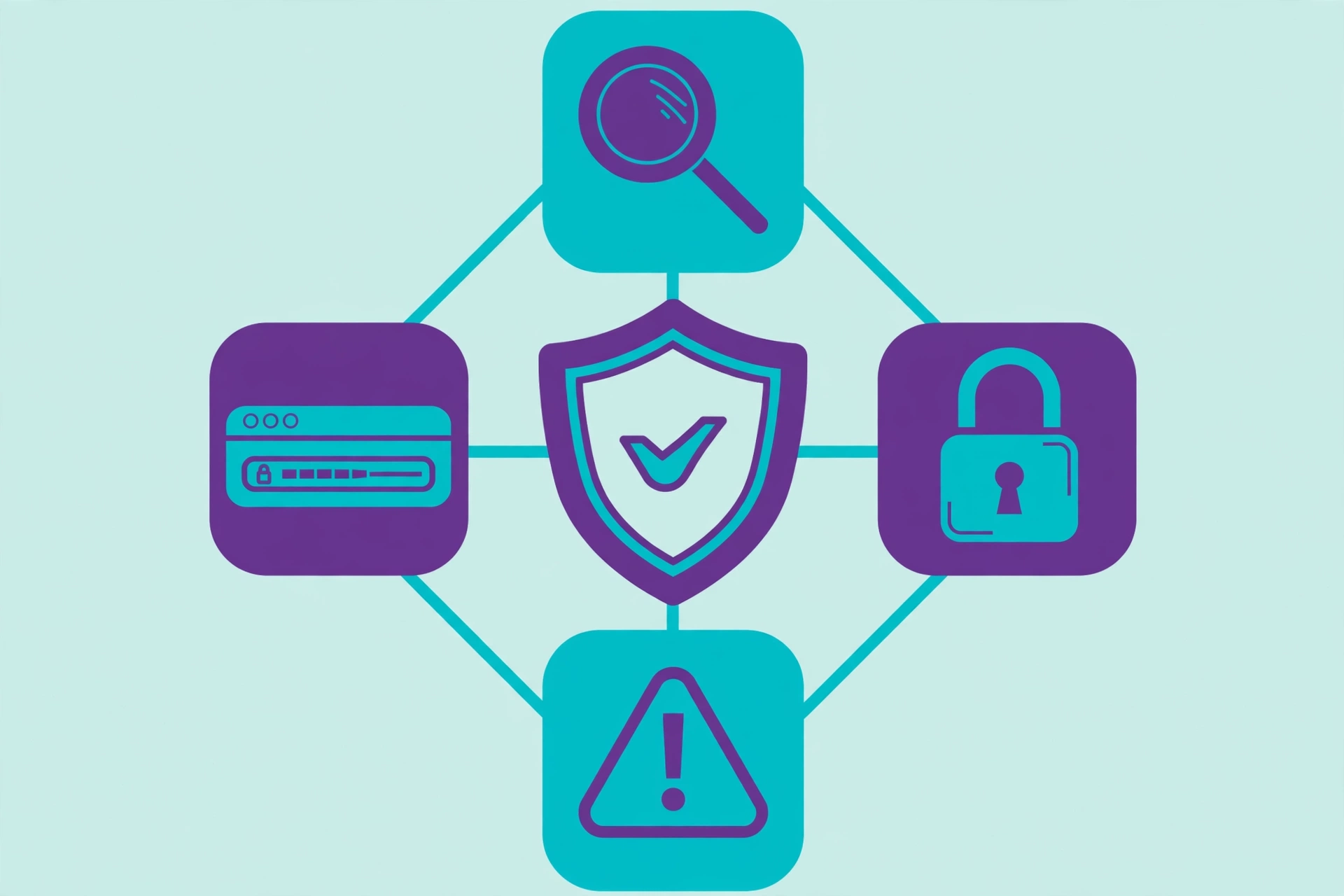
This is the practical section, and it matters more than any feature list. Gaming names attract copycat and lookalike sites, and the name PlayMyWorld already appears across more than one domain and many similar-sounding articles.
Work through this checklist before you trust any page that uses the PlayMyWorld name.
1. Check the exact domain
Look at the address bar, character by character. PlayMyWorld.com is one domain; playmyworld.io and other variants are different sites with different owners. A single changed letter, a different ending (.io instead of .com), or an extra word can take you to a completely unrelated page. Bookmark the exact page you verified, and do not reach it through a random link in an article or a comment.
2. Look for something you can actually use
A real gaming platform shows you a way in: a play button, a library, a sign-up or log-in screen, a builder, or a published world. An article blog shows you articles. If a page spends a thousand words describing features but gives you no working feature to click, that is your answer for now. Do not fill the gap with hope.
3. Check the date and the original source
Read the publication date, and ask who first announced the feature. A genuine product update usually has patch notes, a developer statement, release documentation, or a visible change in the product itself. A paraphrased article with no named source, no version number, and no rollout date is a rumour with good formatting, not an announcement.
4. Treat big numbers as claims until sourced
Articles about PlayMyWorld have quoted figures such as tens of thousands of worlds or very large concurrent player counts. Those numbers are reported here only as article claims, because no methodology or independent source was supplied with them. If a number has no source and no method behind it, do not repeat it as a fact, and do not base a decision on it.
5. Watch where links lead
The site carries commercial links and gambling-adjacent content alongside gaming guides. Before you click, check where a link actually points. Never download a file from a page you reached through a PlayMyWorld article unless you have verified the file’s real publisher separately. The same rule applies to any site that asks you to install a “player,” a “launcher,” or a “codec” to play a browser game: a genuine browser game should not need an installer.
6. Check privacy and safety basics
Read the privacy policy before you create an account anywhere. PlayMyWorld.com’s policy says it records IP addresses, browser details, visit times, referring pages, and click data through server logs, and that cookies may remember visitor choices. It also says advertising partners may receive your IP address through cookies and tracking tools. Reject optional advertising cookies where you can, and avoid sharing sensitive personal information through a contact form.
7. Keep children supervised
If a younger player wants to explore PlayMyWorld, sit with them for the first sessions. Check what else the site links to, keep screens in shared spaces, and explain the basics: no personal information in chat, no downloads without asking, and no payments without a parent. Browser-based access removes the risk of a shady installer, but it does not remove public chat, age-inappropriate worlds, or oversharing risks, which exist on every user-generated platform.
Is PlayMyWorld Safe?
The honest answer is: safe for what, exactly? The answer changes with how you use it.
Reading articles: Low risk, with normal web sense. Read, check the date, and verify important claims elsewhere. Be aware of the gambling content and commercial links elsewhere on the site.
Creating an account or paying: Higher risk until verified. There is no publicly documented safety audit, encryption standard, breach history, or moderation system detailed enough to summarise as fact. Do not enter payment details or sensitive personal information on a page whose ownership you cannot confirm and whose playable features you cannot test.
For children and teens: Supervise. General safety features such as moderation tools and reporting are described in PlayMyWorld explainers, but their specific details are not independently confirmed. Parents should review the site’s current safety documentation directly rather than relying on general descriptions, and should treat any claim about parental controls as something to test, not something to assume.
For creators hoping to earn: Treat earnings as unproven. Some platform descriptions mention selling assets, premium worlds, or tips, but no independently verified earnings data exists for this platform. Across user-generated platforms generally, earnings are heavily concentrated among a small share of creators, and most activity stays hobby-level. Build for fun first, and treat any future reward as a bonus, not an income plan.
Who PlayMyWorld Gaming Suits, and Who It Does Not
It may suit you if:
- You want short, low-commitment reading about games, gear, and trends.
- You enjoy discovering small, quirky gaming guides and explainers.
- You are curious about browser-based world-building as an idea and want to follow it while it is still unproven.
- You are a beginner creator who wants to understand no-code building concepts before committing to a bigger engine.
It may not suit you if:
- You want to open a browser and play a finished game right now. The visible site does not clearly offer that.
- You want deep, long-form single-player content or graphics-heavy gameplay.
- You need a supervised, age-gated environment for a young child with no gambling-adjacent content nearby.
- You need verified creator earnings, a documented safety system, or a registered company you can contact.
Frequently Asked Questions
What is playmyworld gaming?
Playmyworld gaming is the name people use for PlayMyWorld’s gaming side. In third-party guides, it means a browser-based platform for playing and building 3D worlds. On the visible PlayMyWorld.com site, it works mainly as a gaming article blog covering games, gear, consoles, and related topics. Those two meanings are not the same, so check which one a given page is actually offering.
Is PlayMyWorld free to use?
Reading the site’s articles is free, with no account or download needed. Some guides describe a freemium model for a playable platform, with free play and building plus optional premium assets or subscriptions. Whether any paid features exist, and what they cost, is not confirmed from a primary source, so check the current site directly before paying for anything.
Do you need to download anything to play PlayMyWorld?
The platform pitch says no: it runs in your browser. But the visible site shows no playable game library or launcher to test that claim against. A genuine browser game should not ask you to install a separate player or file. If a page calling itself PlayMyWorld asks you to download something, stop and verify the publisher separately.
Is PlayMyWorld safe for children?
Not confirmed. Safety features are described in explainers, but their details are not independently documented, and the site also publishes gambling-related articles. Supervise younger players, review the site’s current safety information yourself, and do not rely on article claims alone.
Can you earn money on PlayMyWorld?
Some articles mention creator earnings through asset sales, premium worlds, or tips, but no verified earnings figures exist. Treat it as hobby-level creative fun, not as a reliable income source, unless and until a documented creator programme with clear terms appears.
How is PlayMyWorld different from Roblox and Minecraft?
Its pitch is browser-first, no-download access with drag-and-drop, no-code building and AI assistance, aimed at quick sessions and small worlds. Roblox is a much larger, download-based user-generated platform with scripting and an established creator economy, while Minecraft is a purchased, installed block sandbox. The practical difference is that Roblox and Minecraft are verifiable products you can open today, while PlayMyWorld’s playable version is not verified on the visible site.
Is PlayMyWorld a real game or a blog?
Based on public evidence, it is most accurately described as a blog that publishes articles about a claimed game platform. That may change if a playable version with a working launcher, sign-up, and published worlds appears and can be tested. Until then, call it what you can verify: a gaming content site with big platform claims attached.
Bottom Line
PlayMyWorld gaming is worth understanding, but not worth taking at face value. The idea is attractive: open a browser, play a game, build a world, invite friends, all without downloads or code. The reality you can verify today is narrower: a broad gaming and entertainment article blog with useful guides, a lot of unrelated content, gambling-adjacent articles, and platform claims that reviewers could not find on the visible site.
Use it for what it demonstrably offers: reading, research, and ideas. Check every important claim against a primary source before you act on it. And if you do find a working PlayMyWorld game or builder, test it with the checklist above — exact domain, something you can actually click, a dated original source, and no download or payment until you are sure — before you trust it with your time, your account, or your money.